Newsletter Sign Up
Backlinko readers get
access for 14 days. 55+ tools.
Backlinko readers get
access for 14 days. 55+ tools.
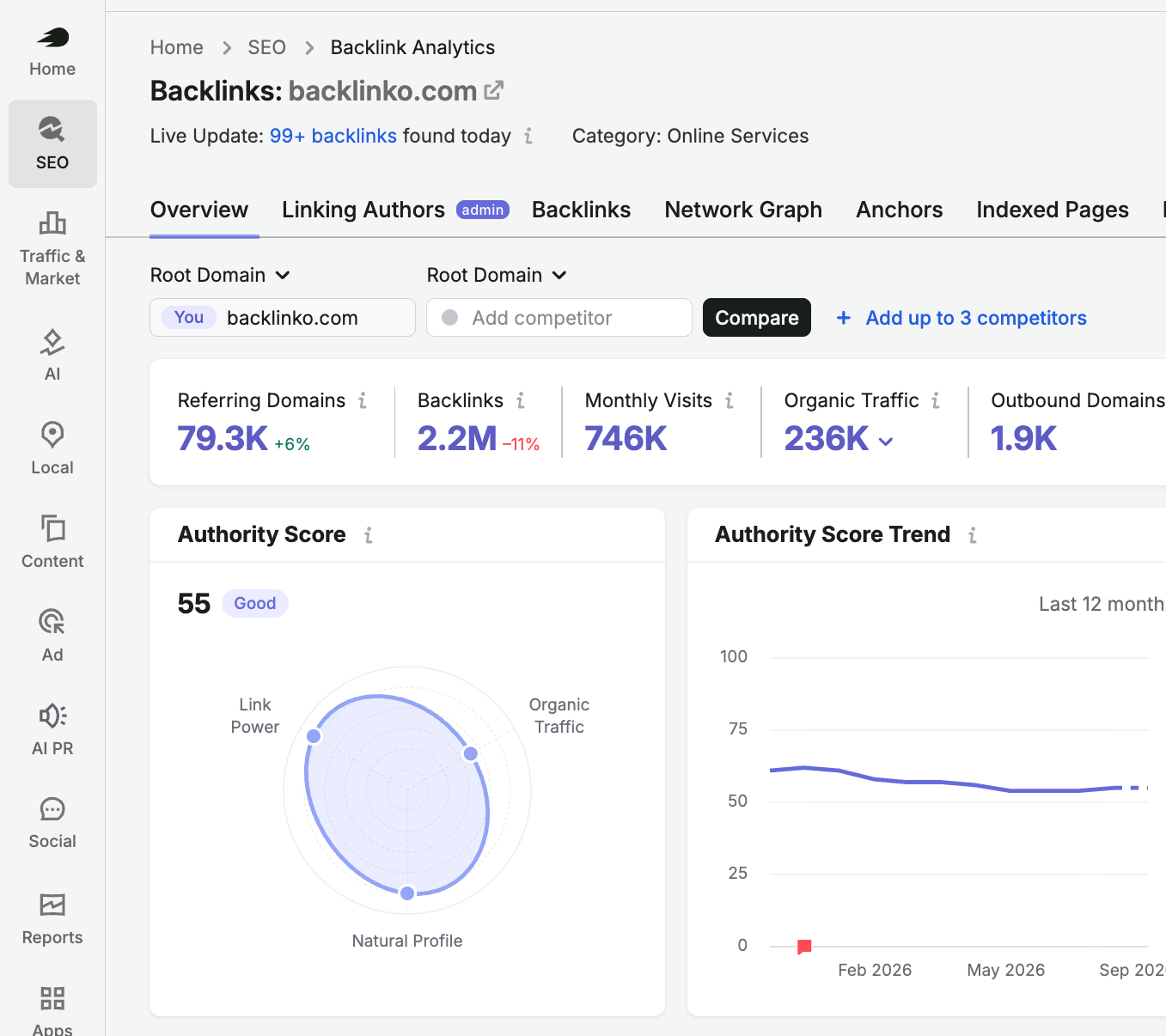
See who links to any website in seconds. Check Authority Score, referring domains, and top backlinks, powered by Semrush data.
Enter a domain. Get its core link metrics right away, with no setup and no signup.
For the full list of links, try Backlink Analytics.
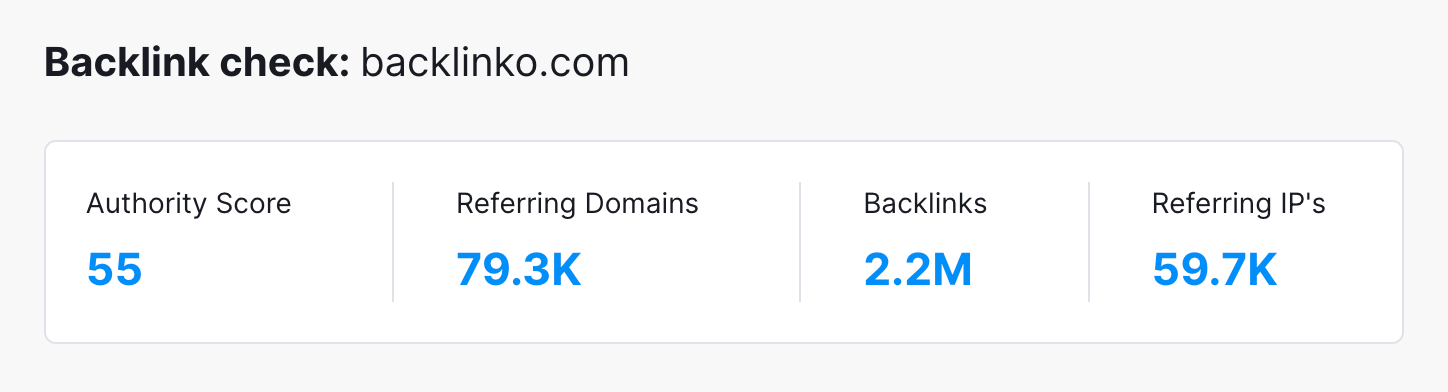
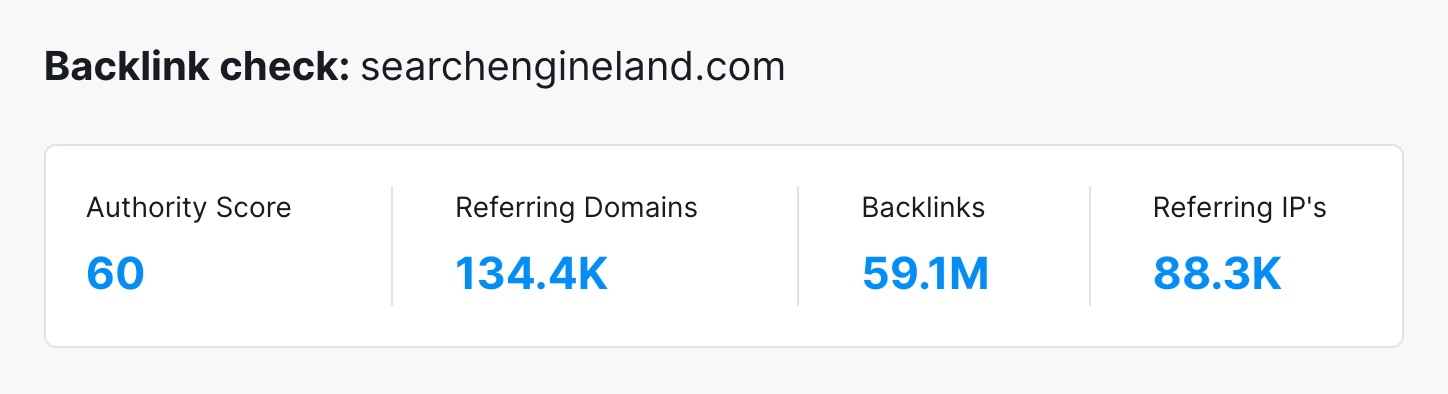
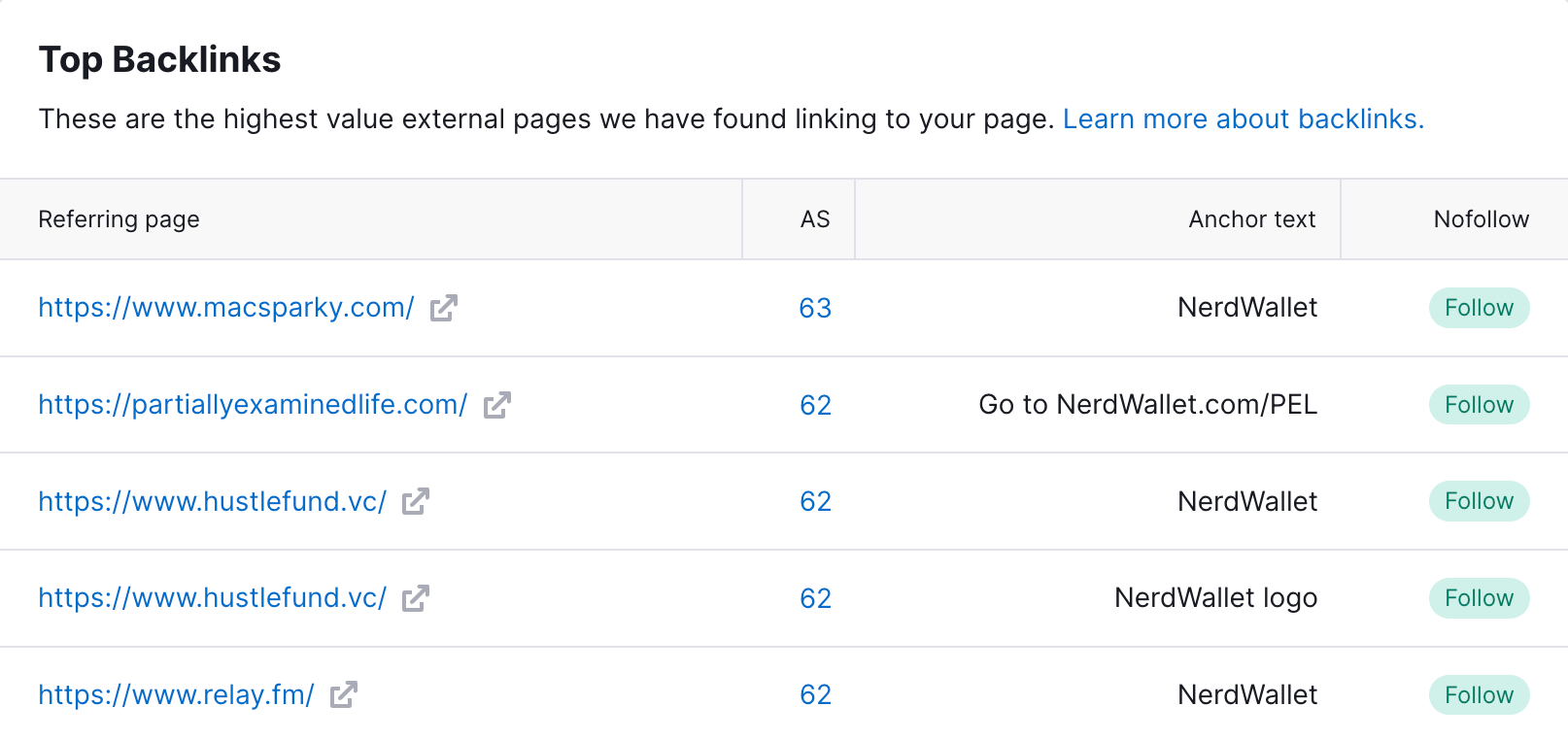
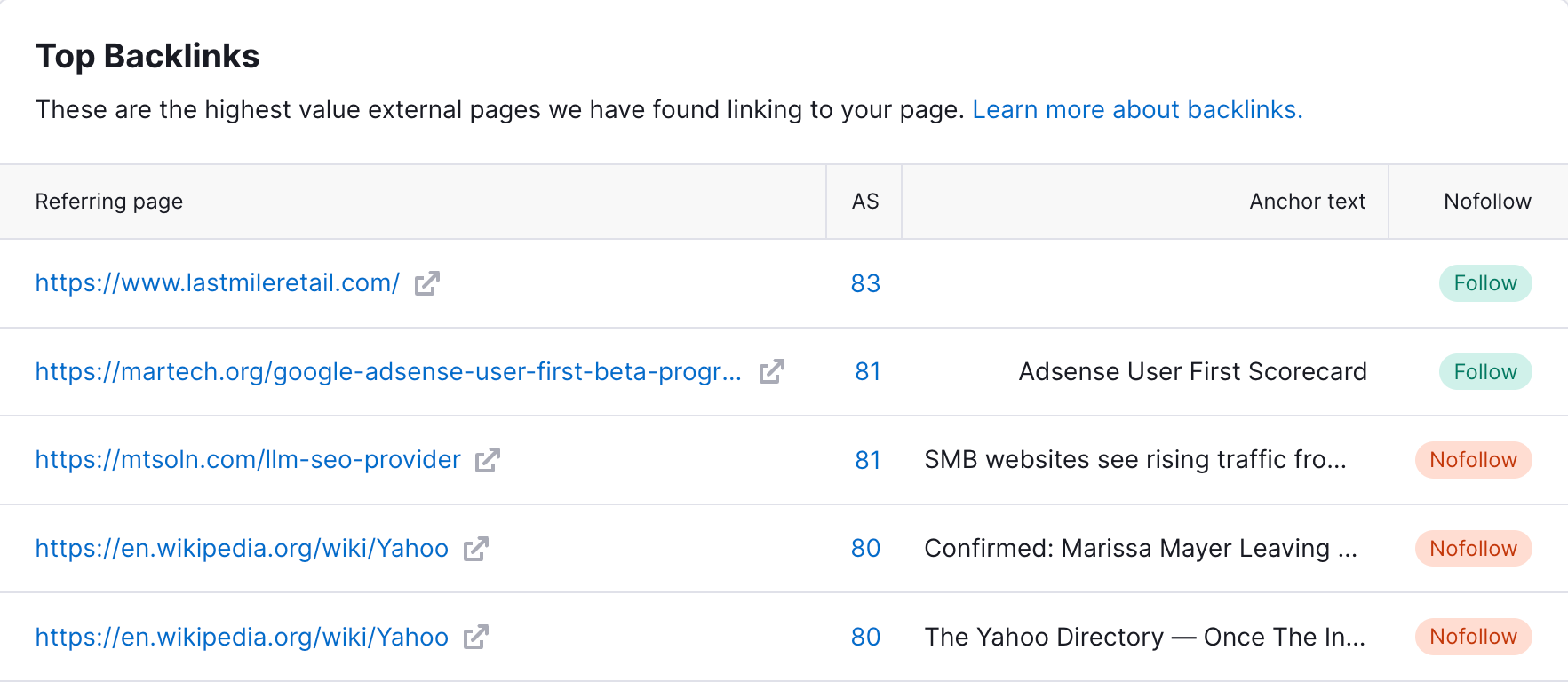
Some links matter far more than others. Check the authority, anchor, and link type of each one.
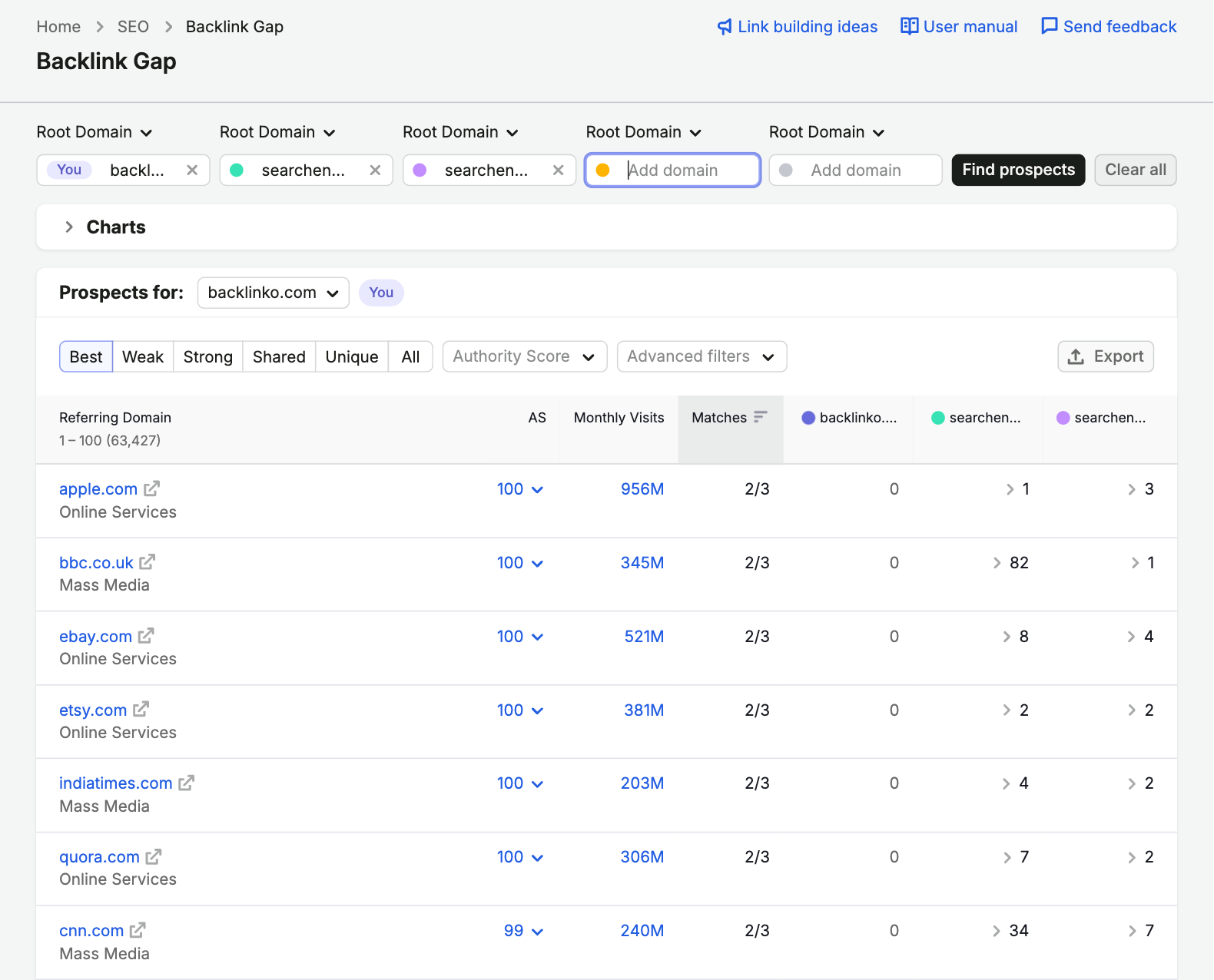
The sites that link to your competitors are often your best link prospects.
Analyze exactly the part of a site you care about.
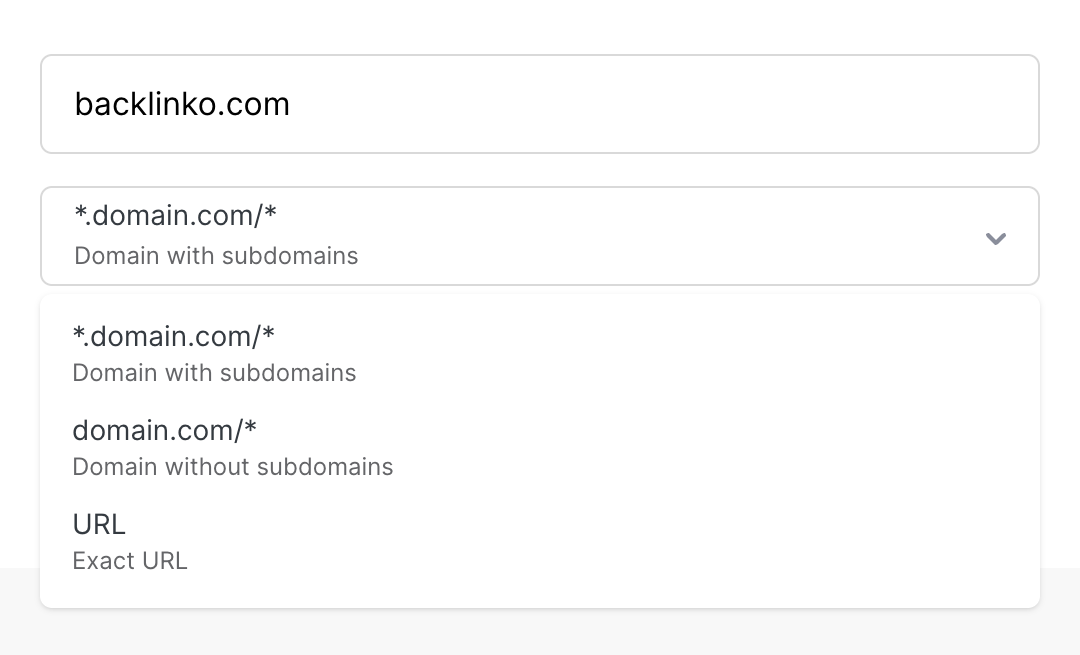
See any site’s Authority Score, referring domains, and top backlinks in one free report.
Seven free link metrics, plus traffic data in Semrush
Semrush's 1-100 score for the overall quality of a site, based on link power, organic traffic, and spam signals.
The number of unique websites that link to the site. Often more telling than total backlinks.
Five backlinks to the site, each with the linking page's Authority Score and a link to the page.
The clickable words each top backlink uses, so you can see how others describe the site.
Whether each top backlink is a regular follow link or marked nofollow, which Google treats as a hint.
The total number of links pointing to the domain or URL you checked. One site can link many times.
The number of unique IPs behind the linking sites. Lots of sites on one IP can signal a link network.
The site’s monthly visits, organic traffic, and paid traffic estimates in Semrush.
Backlinko's free backlink checker gives anyone a fast read on a link profile, whether it's your site or a competitor's.
Need outreach targets? Backlink Gap finds sites linking to several of your competitors, often your best prospects.
Your report shows what's working in a link profile. Here's how to turn it into links of your own.
Run the backlink checker on your site, then on the top competitors you want to outrank. Authority Score works best as a comparison, so the gap between you and the sites ahead of you matters more than the number itself.
One site linking to you 100 times isn't the same as 100 sites linking once. Our analysis of 11.8 million Google results found that top-ranking pages tend to have links from more domains, so aim for variety.
Open each linking page in your report to see which of your pages it points to and why. If one study, tool, or guide keeps earning links, that's your signal to create more content like it and pitch it to similar sites.
Natural link profiles mix brand names, bare URLs, and topic phrases. If most anchors in your report repeat one exact-match keyword, that pattern can look manipulative. Let linking sites describe you in their own words.
Since September 2019, Google has treated nofollow as a hint, not a strict rule. A nofollow link from a relevant, credible page can still send real visitors and build brand visibility. Judge relevance before the attribute.
Run the backlink checker on a competitor that outranks you. Any site linking to them on a topic you cover is a prospect for you, especially resource pages and roundups that already link to content like yours.
Before you pitch, check the prospect's Authority Score, links, and organic traffic. A relevant site with real traffic is often worth more than a high-scoring site off your topic. Skip sites that openly sell links.
New links don't appear in backlink data instantly. Give them a while, then rerun the backlink checker and compare your referring domains and Authority Score. Check your profile at least once a quarter.
This free tool gives you a fast snapshot. For a complete backlink analysis, Semrush gives you the full picture.
How the backlink checker works, what your numbers mean, and what to do with your report.
Find out who links to any site in seconds. Free, no signup, three checks a day.
Find keywords, check rankings, audit pages, analyze backlinks, and see how AI search surfaces your brand.
Get keyword ideas with volume, difficulty, CPC, and intent.
Check whether ChatGPT, Gemini, and Perplexity recommend you.
Check Authority Score, backlinks, rankings, and competitors.
Audit 38 on-page SEO signals and get prioritized fixes.
Check whether AI systems can access, understand, and cite your site.
Estimate any site’s traffic and benchmark it against competitors.
See competitors’ top keywords, backlinks, and traffic sources.
See if AI agents can reach, read, and interact with any page.

Grow your visibility in Google and AI answers with clear opportunities to improve your content and site.
Start My 14-Day Free TrialOne Solution to Win Every Search